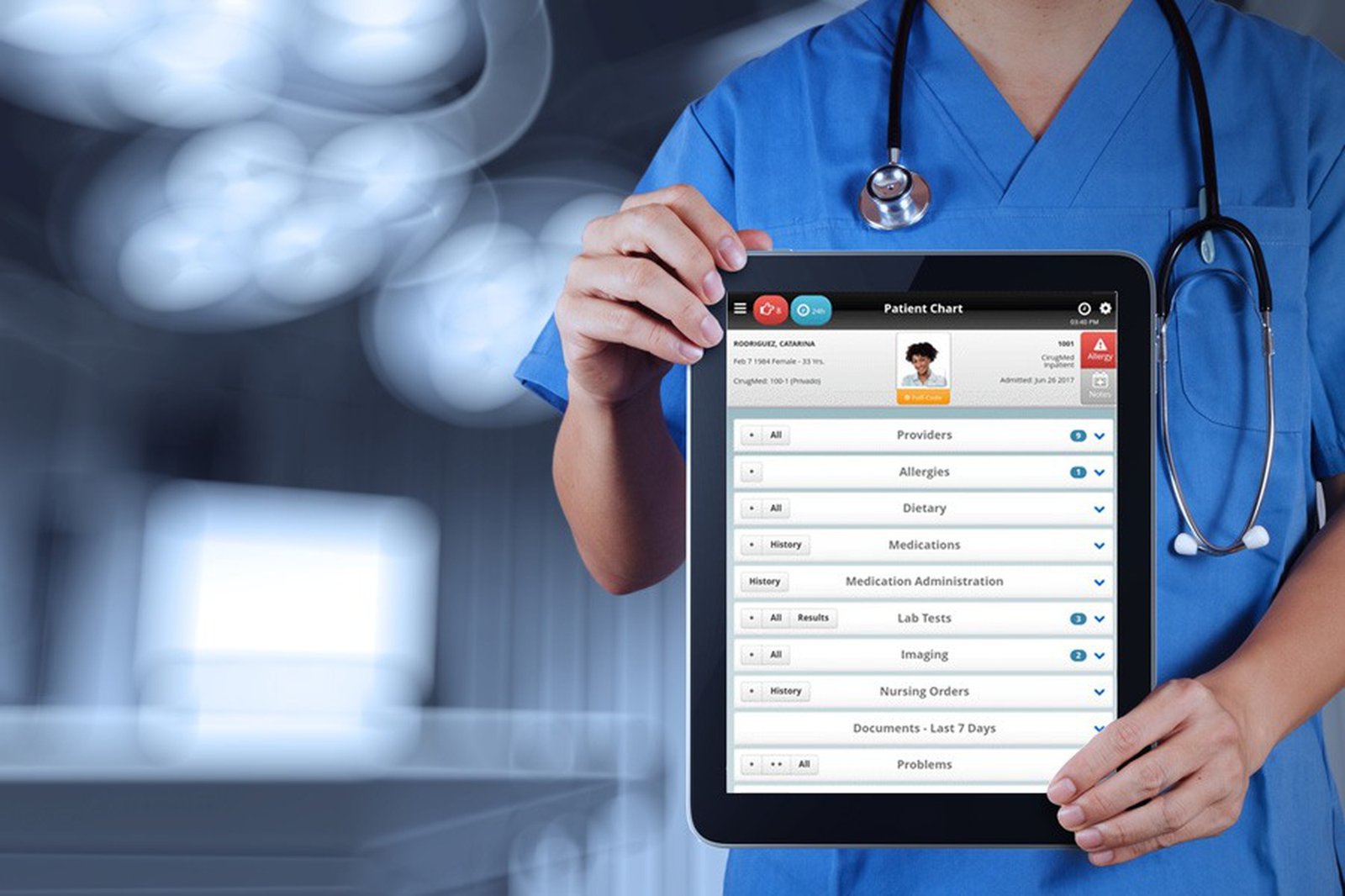
The shift toward virtual care is no longer a trend; it is a standard of practice. Over two decades of installing and servicing medical equipment, I have seen how a poorly planned telemedicine rollout can cripple a clinic’s workflow. The good news is that setting up a service does not require a massive IT budget. It requires disciplined choices about hardware, software, and room design. Here is the process I recommend to every practice, step by step.
The first decision is not the camera; it is the platform. Your telemedicine software must integrate with your existing electronic health record system. If it does not, you will face double data entry, which leads to billing errors and clinician burnout. Look for a platform that offers end-to-end encryption, a waiting room feature, and the ability to share screens for reviewing lab results. Test the platform with a mock patient call before committing. Pay attention to audio latency. A delay of more than 300 milliseconds makes conversation feel unnatural. Most enterprise-grade platforms handle this well, but consumer video apps do not.
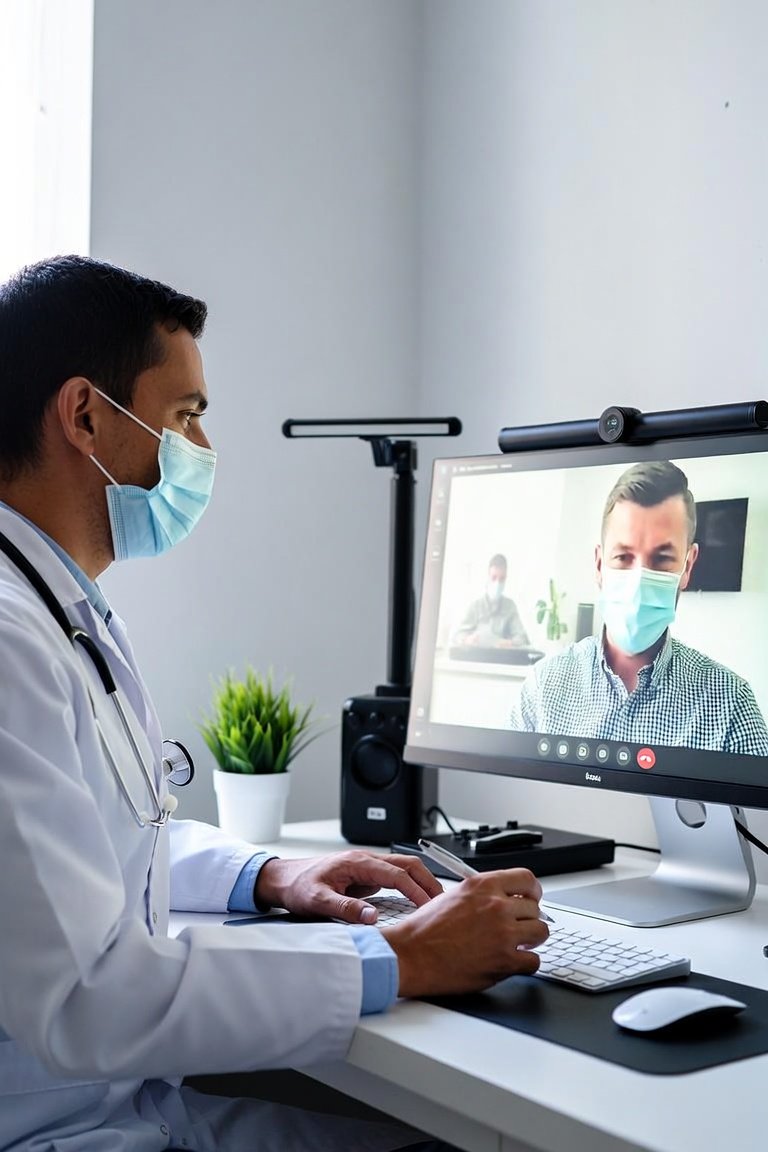
Now, the hardware. Do not use a laptop’s built-in webcam for clinical assessments. The angle is wrong, and the resolution is insufficient for observing skin tone or pupil response. You need a dedicated 1080p camera with a manual focus ring. I recommend a pan-tilt-zoom camera mounted at the top of the monitor, placed at eye level. This allows you to maintain eye contact and lets the patient see your hands if you need to demonstrate a physical exam maneuver. For audio, invest in a USB condenser microphone with a cardioid pickup pattern. It rejects background noise from your reception area. Avoid Bluetooth earbuds; they introduce compression artifacts that distort breathing sounds.
Lighting is the most overlooked element. A single overhead fluorescent light creates shadows on your face that obscure clinical signs. Set up a two-point lighting system: a key light at 45 degrees to your left and a fill light at 45 degrees to your right, both at 5000 Kelvin color temperature. This mimics daylight and ensures your skin tones are accurate. If you are assessing a rash or a wound, the patient will need a separate light source on their end. Instruct them to use a ring light or sit near a window, but never with their back to the light.
For the physical exam, you will need peripheral devices. A digital stethoscope that transmits auscultation sounds in real time is essential for cardiology or respiratory follow-ups. The Littmann and Eko models both have Bluetooth modules that pair directly with your telemedicine platform. For dermatology, a high-resolution document camera with a macro lens is superior to a handheld scope because it provides consistent magnification. Do not forget a wireless otoscope and ophthalmoscope. These are not toys; they require a steady hand and a patient who is positioned correctly. Practice with a colleague before your first live session.
Network infrastructure is the backbone. Your upload speed must be at least 10 Mbps for 1080p video, but I recommend 25 Mbps to account for spikes in traffic. Hardwire your clinic computer with an ethernet cable. Wi-Fi is acceptable for the patient, but not for you. Use a separate router for telemedicine traffic to prevent your front desk systems from stealing bandwidth. Also, configure quality of service on your router to prioritize video packets.
Finally, design the room. The camera should face a neutral, uncluttered background. A bookshelf with personal items is distracting. Use a matte gray or blue wall. Position your chair so that your head and shoulders fill the frame, leaving 20 percent headroom. Close the door and put a sign on it to prevent interruptions.
The most common failure I see is not technical; it is procedural. A telemedicine visit is not a phone call. You must have a standardized intake protocol, a checklist for device calibration, and a backup plan if the connection drops. I advise every clinic to run a full test of all peripherals every morning at 8 AM. This takes five minutes and saves you from a failed visit at 2 PM.
Setting up telemedicine is about removing friction. When the technology is invisible, the clinical work shines. Start with a single exam room, master the workflow, and then scale. The equipment is reliable, the platforms are mature, and the patients are ready. Your job is to make the experience feel as close to an in-person visit as possible. That is the goal, and it is achievable with the right preparation.
Gestión de Clínicas
TELEMEDICINE FROM THE GROUND UP: A PRACTICAL BLUEPRINT FOR CLINICS