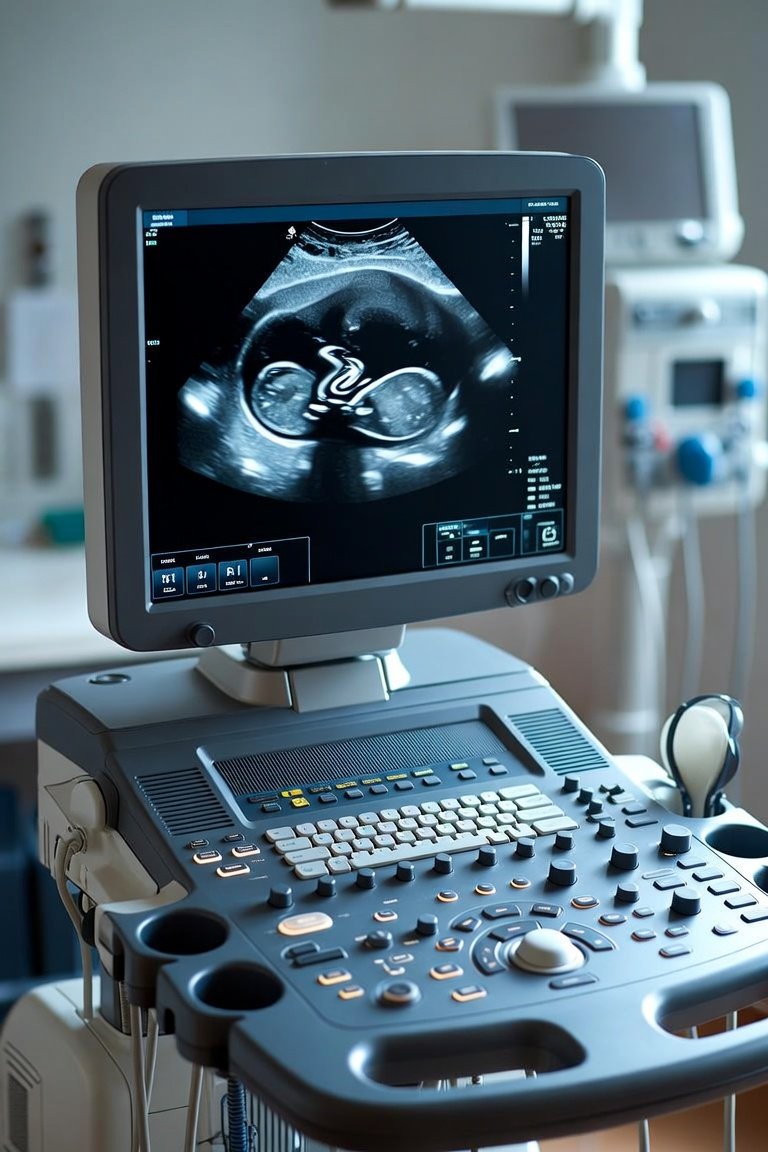
Walk into any modern clinic and you will see them mounted on walls, rolling on carts, and tucked beside recovery beds. Patient monitors are the silent sentinels of your practice, yet choosing the right system often feels overwhelming. After two decades of installing and servicing these devices, I can tell you that the most expensive unit is not always the best fit. The best monitor is the one your staff actually uses confidently, that integrates with your existing workflow, and that you can service without a third-party nightmare. Let me walk you through what really matters.
First, focus on the essential parameters and how they match your patient volume. A basic system should track heart rate, blood pressure, oxygen saturation, and respiration. But do you need capnography (ETCO2) for procedural sedation? Do you need multi-lead ST segment analysis for cardiac patients? Here is a practical breakdown:
1. For a general family practice or urgent care, a compact 5-lead ECG monitor with NIBP and SpO2 is sufficient. Look for a unit with a clear 10-inch screen and intuitive menus. Your nurses should be able to silence alarms and change parameters without reading a manual.
2. For a pain management or gastroenterology clinic that performs sedation, you absolutely need capnography. This is non-negotiable. Waveform capnography catches respiratory depression minutes before SpO2 drops. Choose a monitor with a dedicated ETCO2 port and a sidestream module that works with nasal cannulas.
3. For a cardiology or internal medicine practice, invest in a monitor with 12-lead acquisition capability and arrhythmia analysis. Some systems allow you to print a full 12-lead report directly from the monitor, which saves precious time during chest pain triage.
Now, let us talk about the two major categories you will encounter: standalone portable monitors and central station systems. Portable monitors, like the Mindray uMEC series or Philips IntelliVue MX450, are excellent for clinics because they move with the patient. You can take one from the exam room to the procedure suite and then to recovery. Central station systems, where monitors feed data to a nurses’ station display, are overkill for most outpatient clinics. However, if you run a busy infusion center or a multi-bed recovery area, a simple central viewing station with alarm notification can improve safety and reduce staff workload.
A word on wireless connectivity. Many modern monitors offer Wi-Fi or Bluetooth data transfer to your EMR. This is a double-edged sword. Seamless charting is wonderful, but network issues can cause data loss or alarm delays. My advice is to buy a monitor with robust local storage and a wired Ethernet option as a backup. Also, verify that the monitor uses standard protocols like HL7 or FHIR. If your EMR vendor charges a fortune for integration, factor that into your total cost.
What should you look for during a hands-on demo? Bring your most experienced nurse and your newest hire. Watch them interact with the device. Check the alarm system. Can you set custom alarm limits for different patient populations? Do the alarms have a pause or snooze function? Are the alarms loud enough for a noisy hallway but adjustable for a quiet exam room? Also, check the battery life. A monitor that dies after 45 minutes on battery is useless for patient transport. Look for a minimum of 2 hours of continuous operation.
Finally, consider the total cost of ownership. The purchase price is only the beginning. Ask about the cost of replacement batteries, SpO2 sensors, and ECG cables. These consumables are where manufacturers make their money. A monitor that uses proprietary, expensive sensors will cost you thousands over five years. Look for systems that accept third-party sensors or at least offer competitive pricing on OEM parts. Also, ask about the manufacturer’s service network. In a clinic, downtime is not acceptable. You need a vendor that can ship a replacement loaner within 24 hours.
My closing recommendation is simple. Do not buy on specs alone. Rent or borrow a demo unit for two weeks. Use it with your actual patients, your actual staff, and your actual EMR. If it feels like a natural extension of your workflow, that is your system. If you find yourself fighting with the interface, move on. The best patient monitoring system is the one that fades into the background, letting you focus on the patient in front of you. That is the mark of truly great medical technology.
Clinic Equipment
The Right Monitor for Your Clinic: A Practical Guide to Patient Monitoring Systems